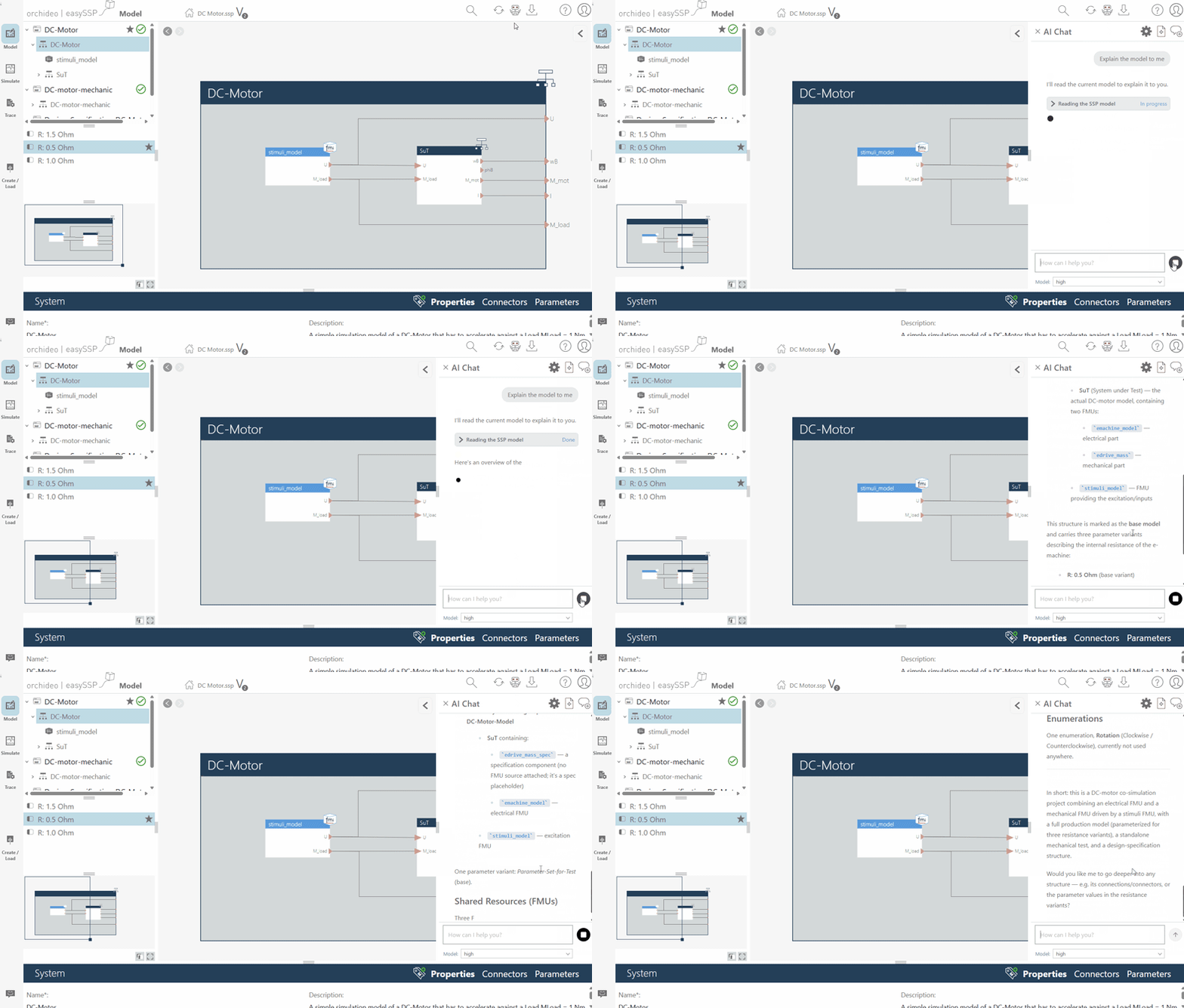
Release 1.4.9 introduces the easySSP Agent – an AI assistant that works directly on your open model. Also new: auto layout for system envelopes, two new classification templates, and numerous further improvements.
easySSP Agent
orchideo | easySSP now comes with an integrated AI chat assistant that supports you while working on your model. It knows the currently open model, answers questions about it, and carries out changes for you on request. The agent is available in the Pro Edition – to use it, simply enter your (OpenAI API compatible) AI provider.
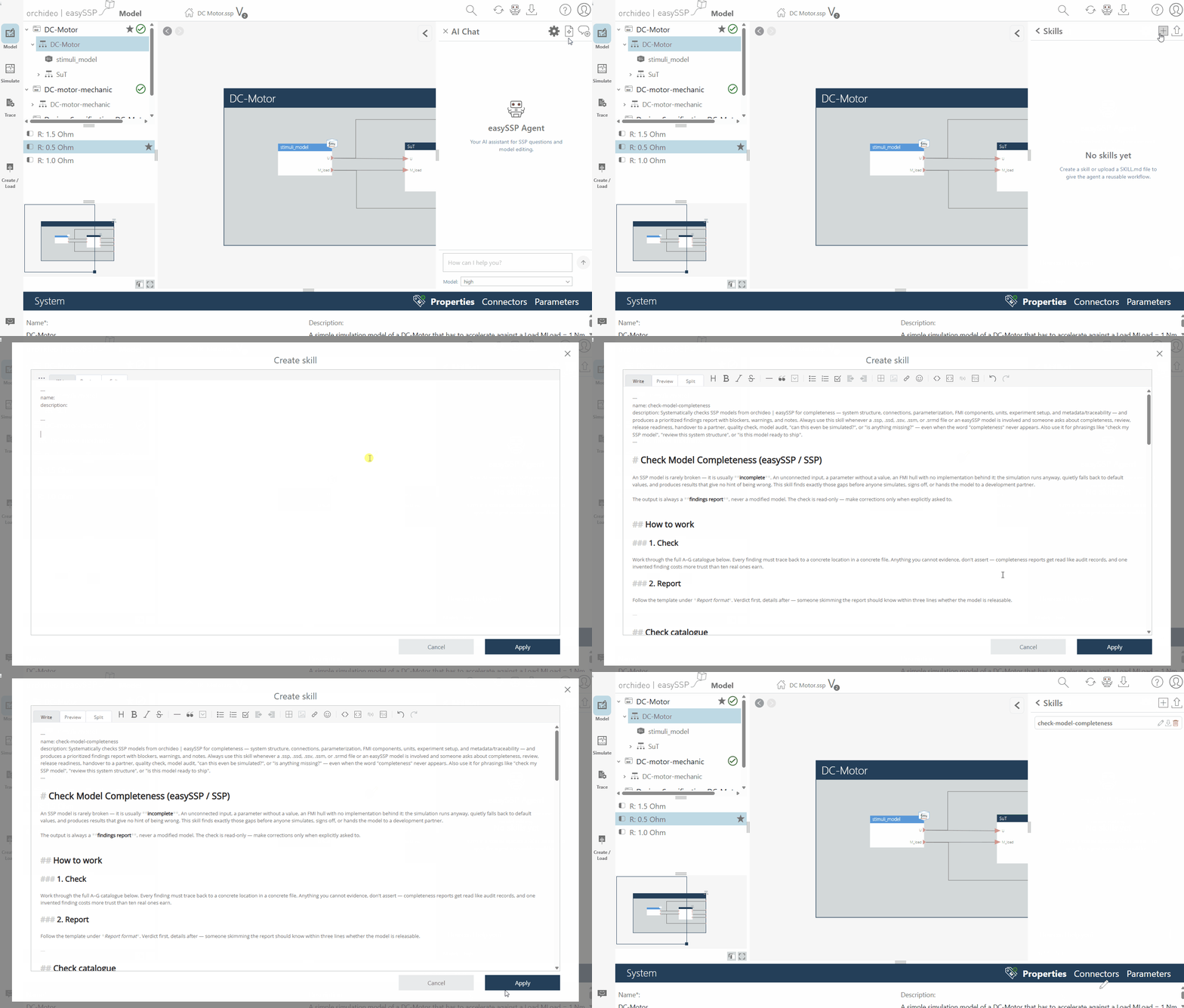
Agent Skills
Skills give the agent reusable capabilities, for example “create a connection report” or “check model completeness”. You manage your own skills directly in the agent panel; the agent uses them automatically whenever a skill’s description matches a request.
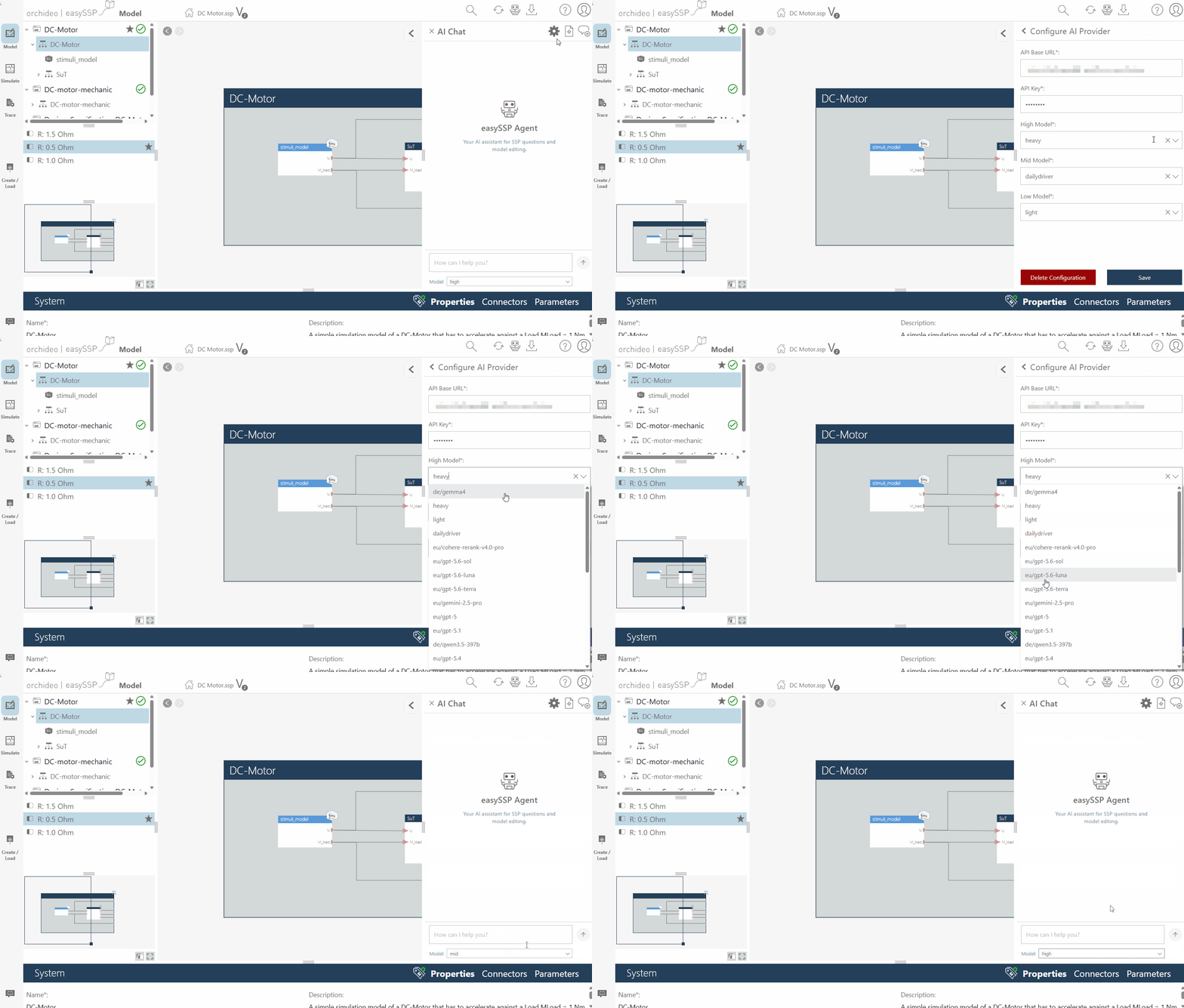
Model Selection in the Agent Chat
In the chat you quickly choose between the three AI model tiers “high”, “mid”, and “low”. Which concrete AI model backs each tier is defined in your AI provider configuration. Where the AI provider offers them, easySSP shows you the available models directly.
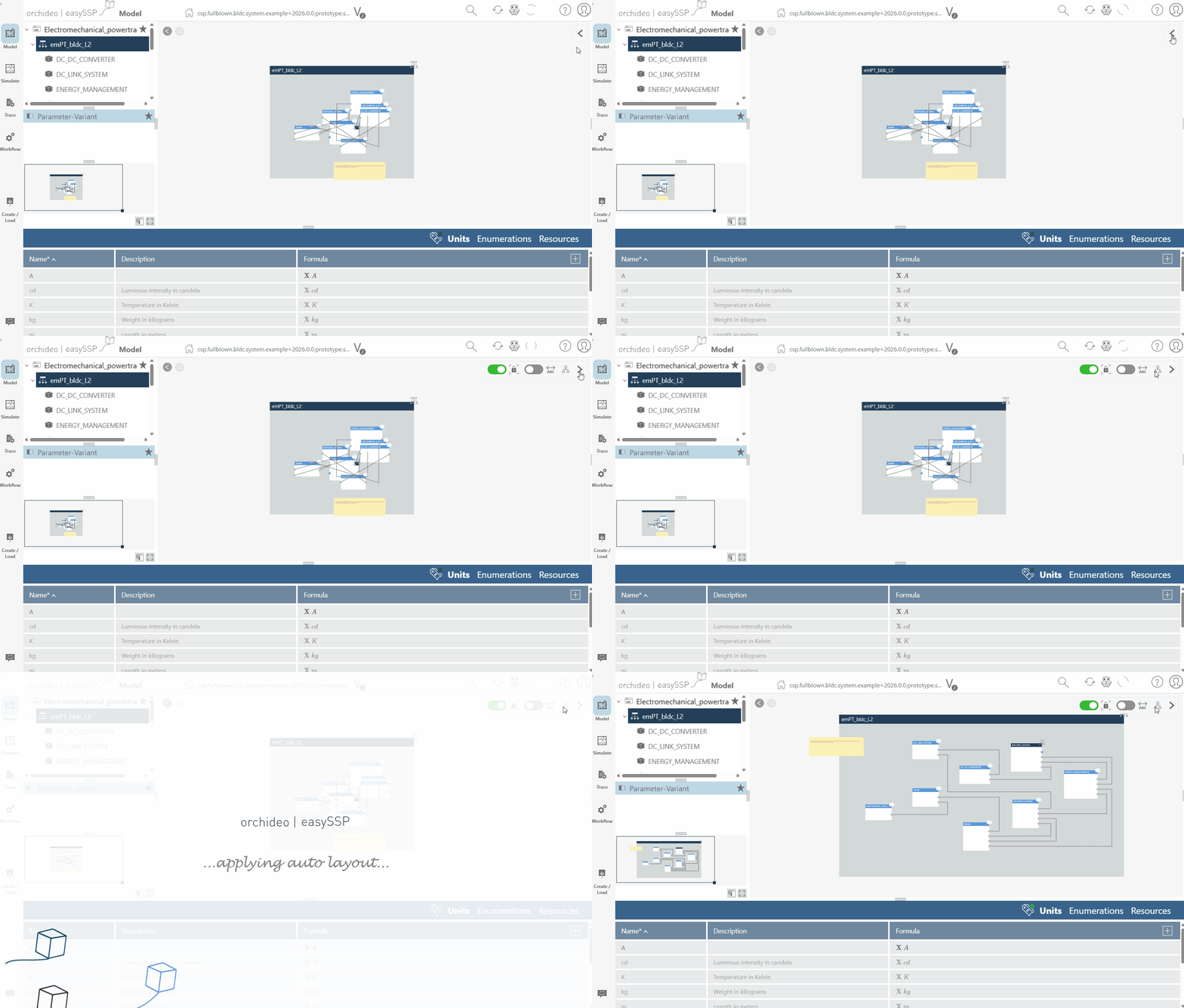
Diagram Editor: Display Options and Auto Layout
The display options in the diagram editor are now collapsed behind a “<” icon in the top-right corner and hidden by default. Thanks to the new auto layout function, tedious arranging of system elements is a thing of the past: it lays out all contained elements cleanly in a single click. Connections are routed at right angles, overlaps are resolved, and unnecessary crossings are minimised.
Process Type at a Glance
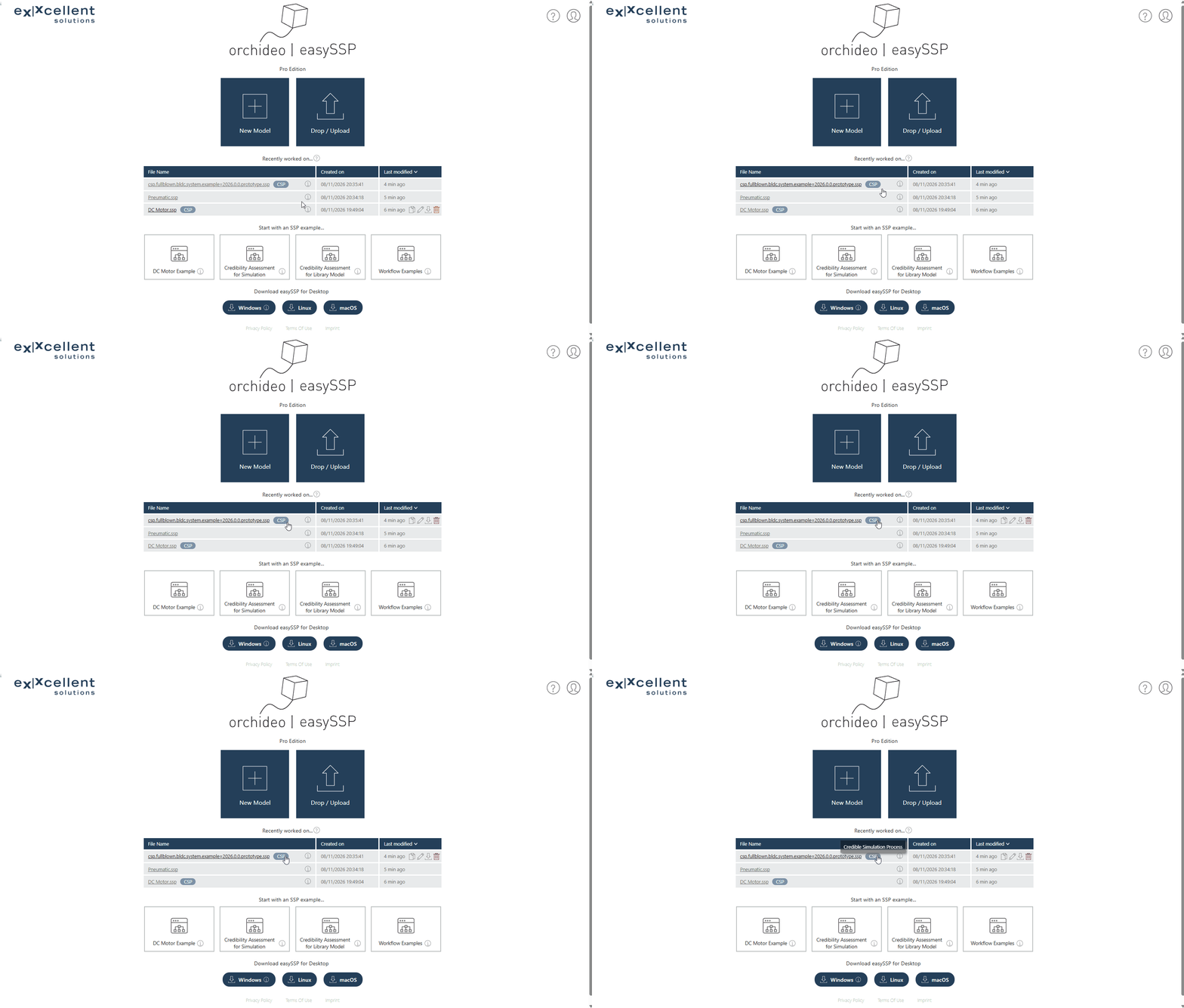
SSP files with an embedded traceability process now show a short badge with the process type – CDP, CSP, or CMP – right next to their name. You see it in the Resource view of the model editor and in the model management.
New Classification Profiles: SIC-Core and LOTAR
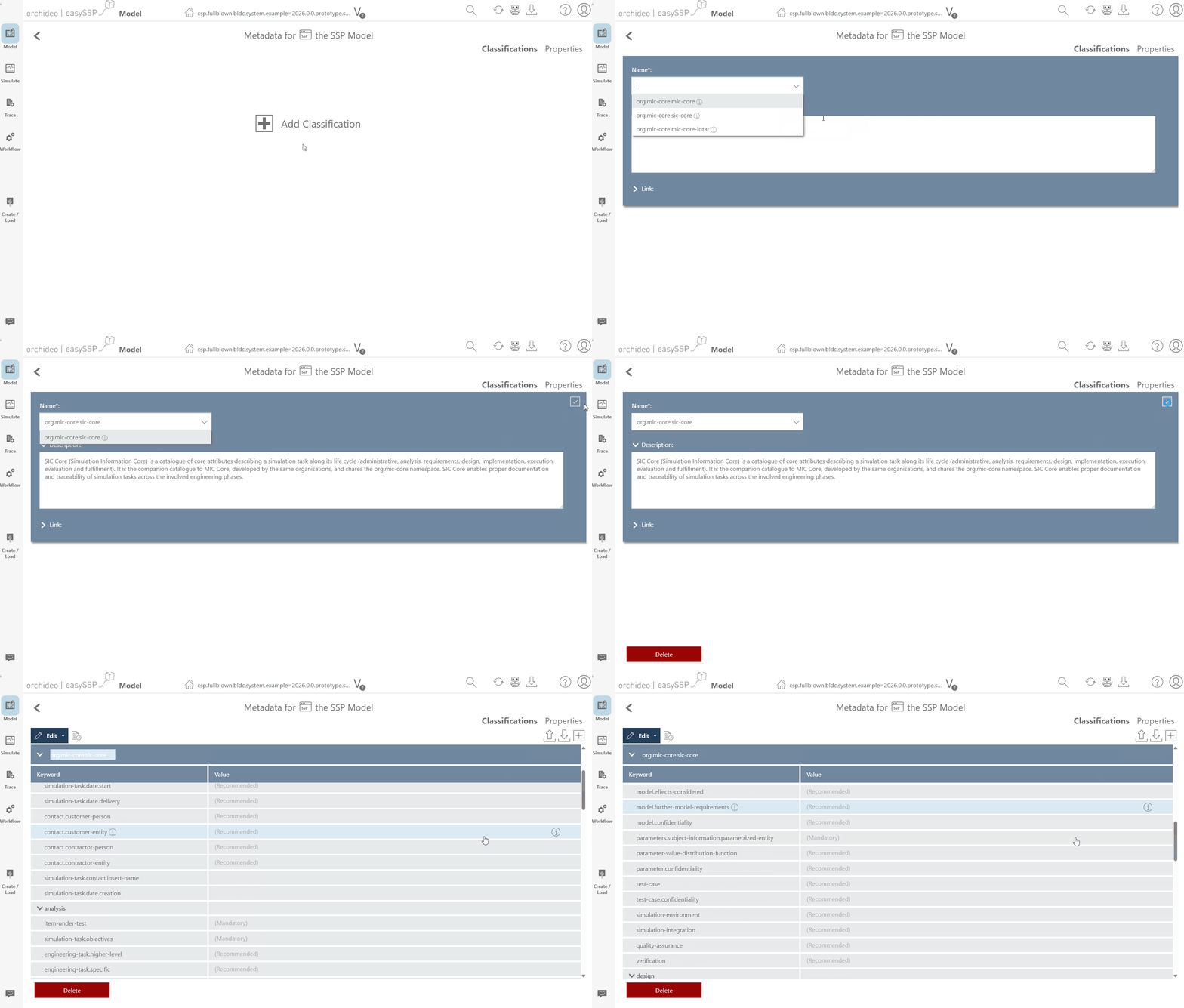
Alongside MIC-Core, easySSP now supports two more SRMD classification profiles: SIC-Core, the Simulation Identity Card, and a LOTAR profile (Long Term Archiving) for the long-term archiving of technical product data. You create, edit, and validate both in the familiar classification editor – on model SRMDs as well as directly within an SSP traceability process (STMD, DTMD, MTMD).
Open a Directory as an SSP
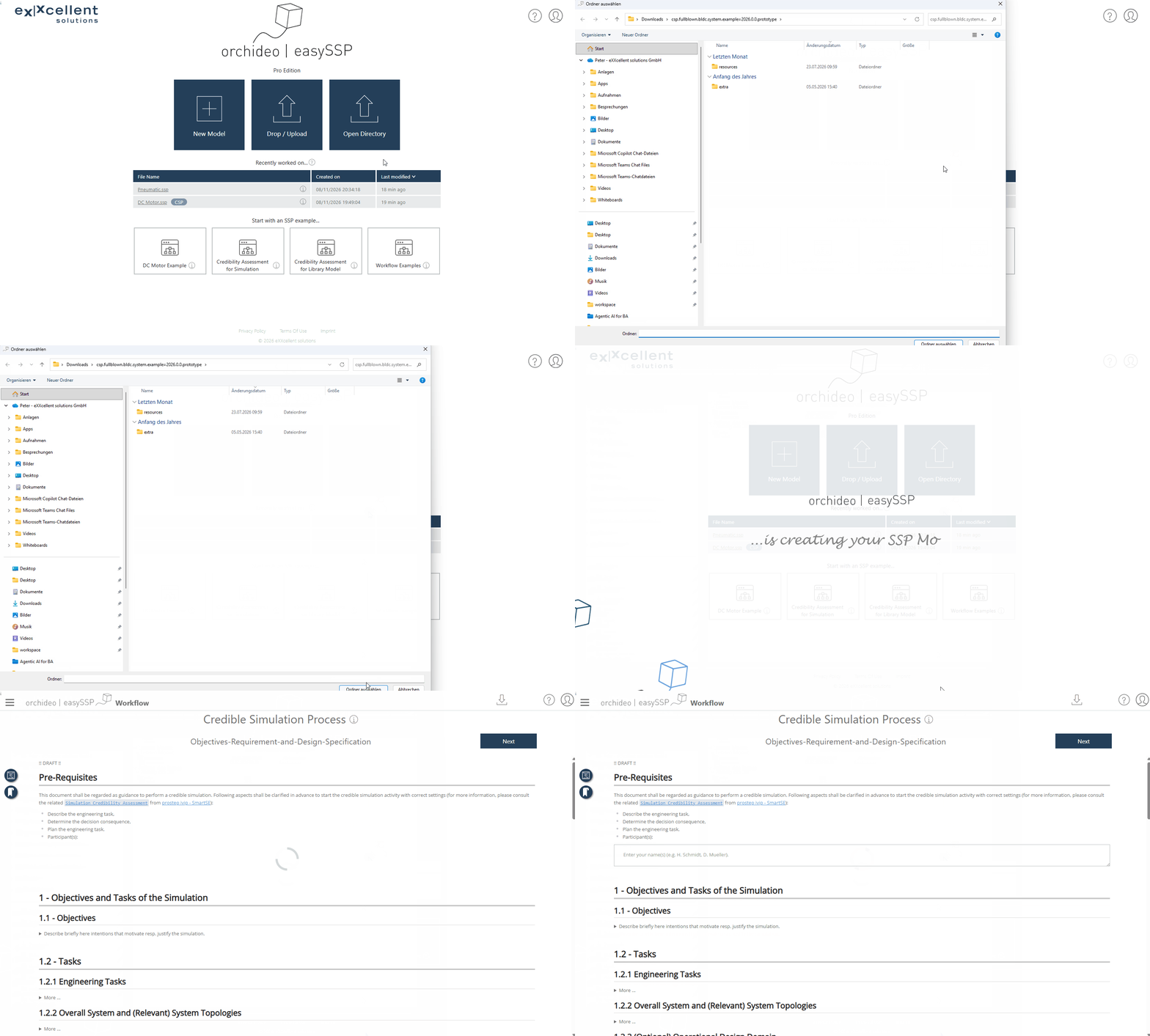
If you work with an unpacked SSP structure on disk – for example from version control – you can now open that directory directly in the desktop app.